Open source prompts
Prompt library
A free, curated shelf of practical prompts for creative strategy, image direction, video, and brand systems.
Free to use · Curated by hand
Select a prompt · Watch a guide
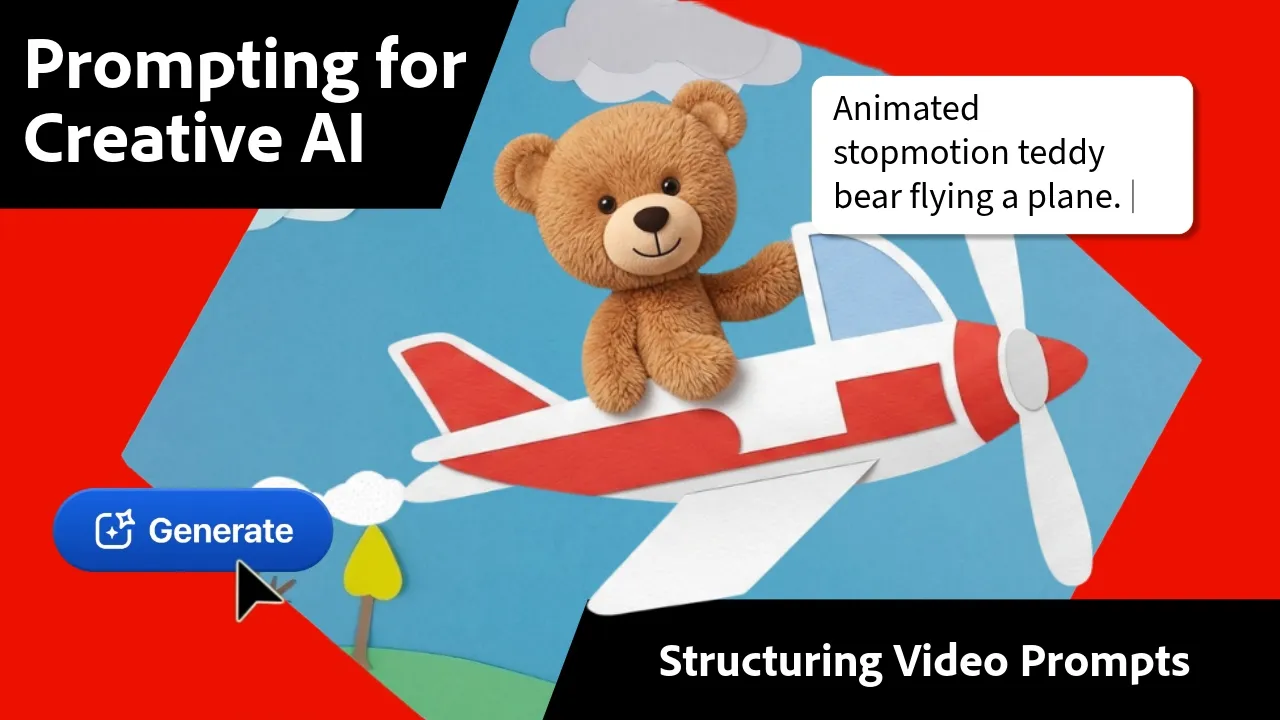
Watch before prompting
See the prompt thinking in motion.
See how a structured brief turns into cinematic creative direction. Watch the short intro, then choose a prompt below to adapt.
Search the shelf
Clear
Matches titles, descriptions, categories, and tools.
The shelf
Curated shelf · one calm archive
Image direction
Campaign concepts
Hero concept generator
Turn a rough idea into a cinematic campaign starting point.
Copy-ready prompt
Act as a creative director. Develop three distinct campaign concepts for [brand or product]. For each concept, define the emotional hook, visual world, subject, lighting, camera language, and a short production note. Keep the direction premium, specific, and easy to hand to an image or video model.
Select · copy · adapt
Short-form strategy
Short-form hooks
UGC hook matrix
Generate opening lines that make a scroll stop feel intentional.

Copy-ready prompt
Create a matrix of 20 short-form video hooks for [audience] around [offer]. Organize them by curiosity, proof, tension, transformation, and humor. Keep each hook under 12 words, avoid clichés, and make the first three seconds visually obvious.
Select · copy · adapt
Film direction
Product films
Product film storyboard
Shape a single product idea into a clear visual sequence.
Copy-ready prompt
Build a 30-second product film storyboard for [product]. Break it into six shots with timing, framing, camera movement, action, sound, and transition notes. Use one recurring visual motif and end on a simple, memorable brand moment.
Select · copy · adapt
How the library grows
A prompt library that stays easy to use
Start with a small, curated set. Use Show more when you want the next batch, then add new CMS prompts as the archive grows.
01
Browse the set
Start with a focused set of prompts, organized by category and best use.
02
Show more when ready
Reveal the next batch only when you want more options—no auto-generated clutter.
03
Add new prompts
New CMS entries inherit the same video, prompt, and copy structure.
From idea to usable direction
01
Choose by job
Search by category or best use, then open the video example before you start.
02
Select and copy
Highlight the prompt text, copy it, and take it into the tool you already use.
03
Adapt to your context
Replace the brackets with your brand, audience, product, or constraints.